Dispatch loads from
one shared workflow
Trailflow gives carriers one place to create loads, assign drivers, track progress, collect paperwork, and hand work to billing without losing context.
How It Works
Run dispatch without extra handoffs
Keep load setup, assignments, live status, and closeout connected so dispatch, operations, and accounting can work from the same record.
Create and assign the load
Capture the customer, stops, rate, and instructions once, then assign the right driver and equipment without copying details into another system.
Basic Information
Enter the customer and order details for this load
Commodities
Add items being transported in this load
Routes
Define pickup and delivery locations for this load
Dispatch
Select the parties from the address book or create new ones
Attachments
Add documents and files to this load
Drag and drop files or click to upload
Keep execution visible
Track status, route progress, notes, and exceptions from the same workspace so everyone sees the latest operational truth.

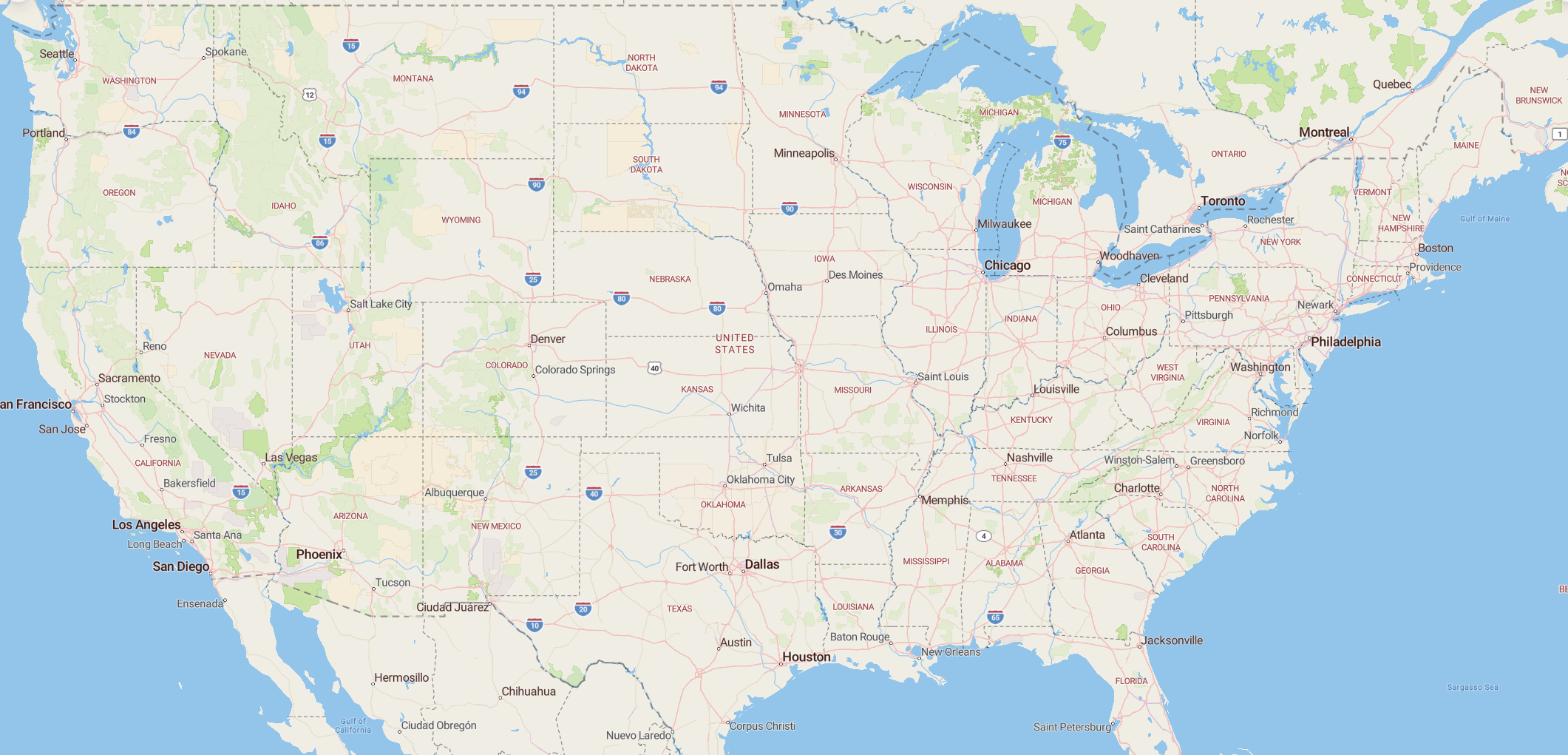
Route
Pickup
123 Warehouse Rd, Dallas, TX
Delivery
789 Finish Ln, Memphis, TN
Close out faster after delivery
When the load is delivered and documents are attached, finance can move into invoice-ready workflows without rebuilding the load from scratch.
Invoice Details
Enter the customer and order details for this invoice
Line Items
Add items to this invoice
North American Network
Unified Cross-Border
Logistics Operations
Keep cross-border dispatch, visibility, and paperwork aligned across the USA, Mexico, and Canada without splitting work between multiple tools.
Unified Cross-Border Logistics Operations
Keep cross-border dispatch, visibility, and paperwork aligned across the USA, Mexico, and Canada without splitting work between multiple tools.
Import load from PDF
Upload Rate Confirmation/Load Tender as a PDF. The importer works best for standard file formats from major freight brokers.
Drag and drop files here, or click to select files
You can upload a file with 10 MB
Inbox and document automation
Import Loads from
PDFs & Emails
Reduce manual entry by extracting load details from emails and PDF rate confirmations, then turning them into dispatch-ready records faster.
99%
Extraction Accuracy
10x
Faster Load Creation
Why carriers use Trailflow
Dispatch built for
daily carrier execution
Trailflow is designed to reduce re-entry, tighten follow-up, and keep load information connected across operations and back office.
Operational AI where it helps
Use AI to pull load data from inboxes, summarize updates, and cut repetitive coordination work without changing how dispatch runs.
Public Document Links
Generate secure links so customers, carriers, or drivers can send the documents tied to a specific load.
Driver workflow visibility
Give drivers clear load details, route information, and document steps so dispatch spends less time repeating context.
Flexible Data Export
Export reports or invoice data when needed without trapping operational records in a closed system.
FAQ
Dispatch Questions
Common questions about our dispatch management system.
24/7 Service
Call 437-961-8313